
Buy Data Offline Without Internet
Set up your preferred data plan once while you are online. When you need data, send your saved code as a normal SMS from the registered number. No internet needed.
Download SnappyPay to create your first offline code.
Prefer using the web? Create a SnappyPay Account on Web
What is Buy Data Offline?
SnappyPay Buy Data Offline lets you save a data plan as a reusable code, then buy that plan by sending the code as an SMS from the registered phone number in Nigeria, without mobile data. The bundle is paid from your linked SnappyPay wallet.
Create the code once in the SnappyPay mobile app or on the web. After that, the registered phone can buy the same bundle by SMS whenever it runs out of data.
At a glance
- Networks
- MTN, Airtel, Glo, T2
- Set up with
- SnappyPay app or web (needs internet)
- Buy with
- SMS from the registered number
- Data goes to
- The same registered number
- Paid from
- Your linked SnappyPay wallet
- SMS cost
- Your network's normal SMS charge
How it works
Set up once with internet, then buy data by SMS whenever you need it.
Choose a network and plan
Pick MTN, Airtel, Glo or T2, then the bundle you want.
Register the number
This number sends the SMS and receives the data. Add a label like "Mum" if helpful.
Save your code
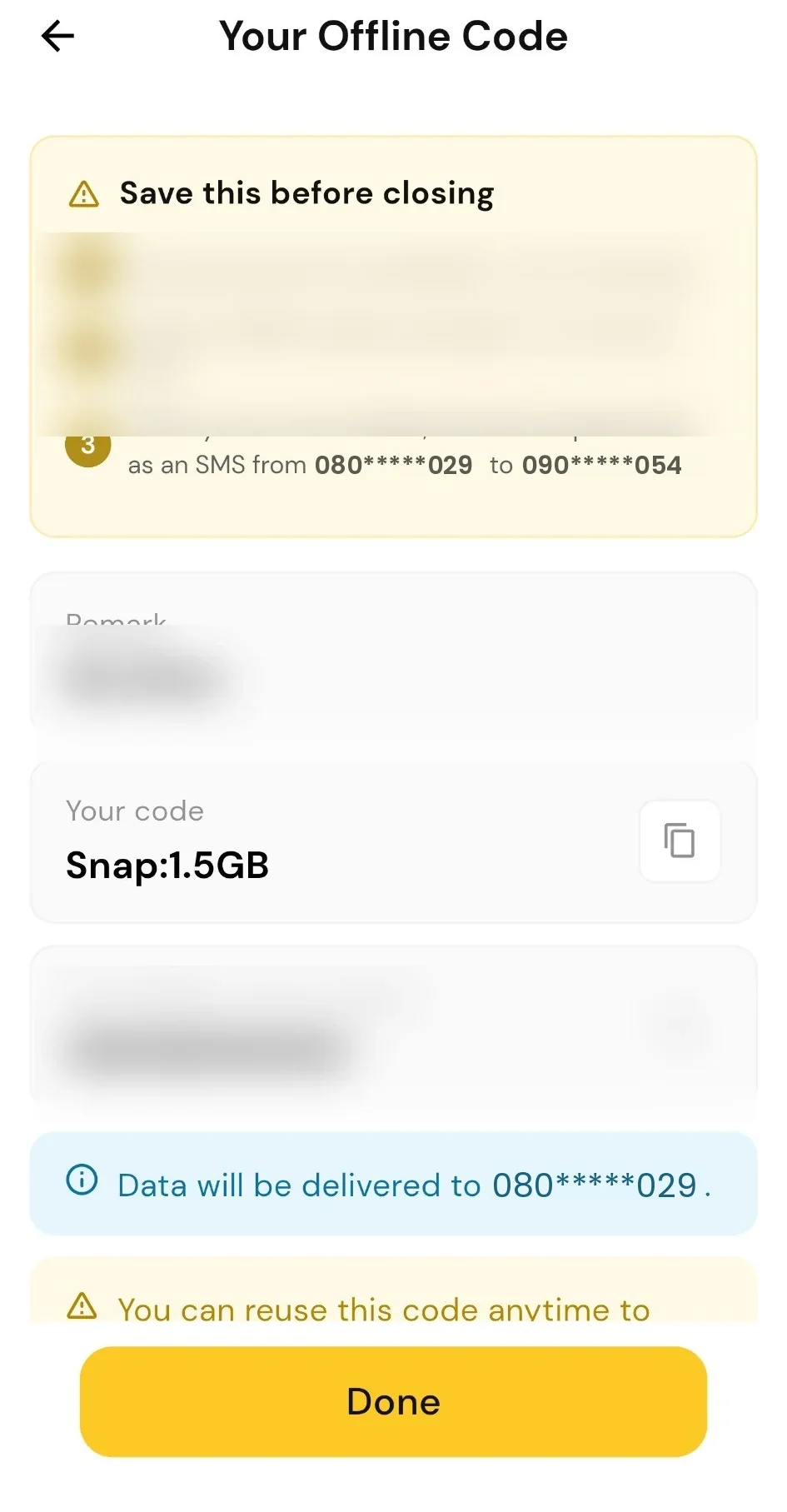
Copy the code and SMS number. Keep them in Notes, an SMS draft or a screenshot.
Send the SMS
Send the code from the registered number. The bundle is paid from your wallet.
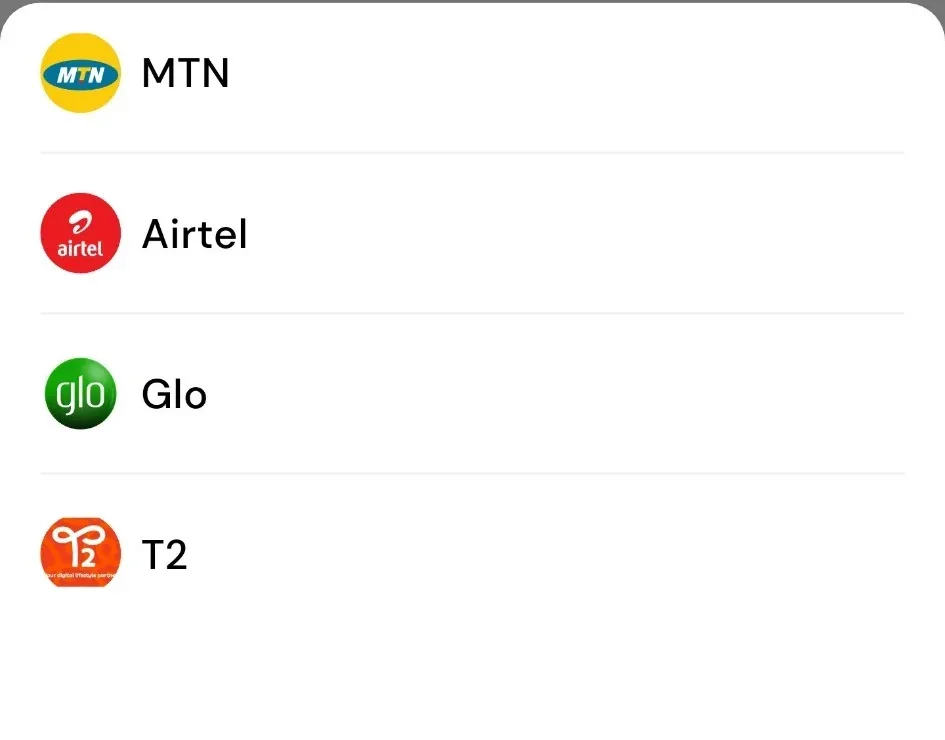
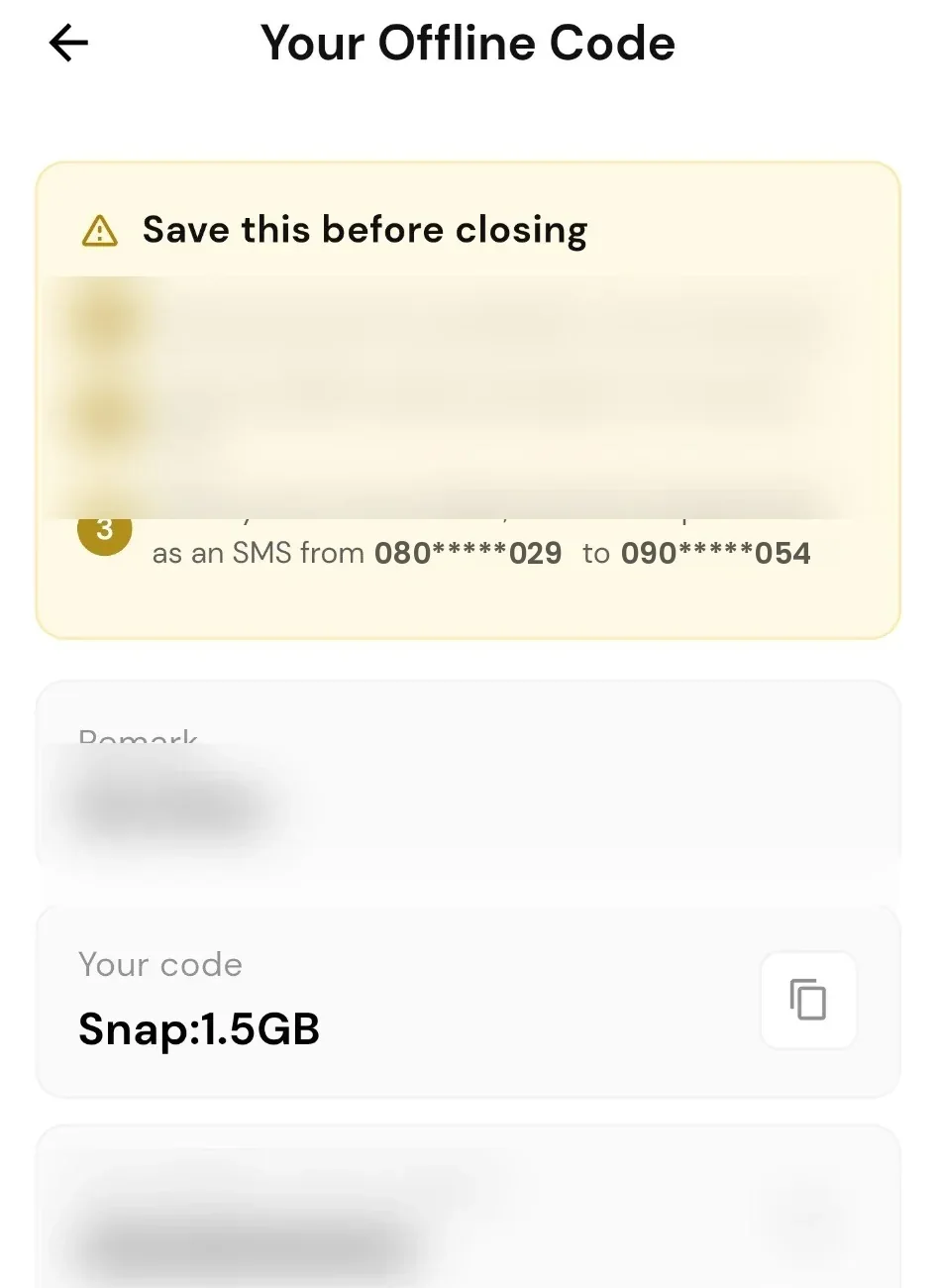
The code only works from the registered number, and that number receives the data. Sending the SMS without data still needs airtime or an SMS allowance on that line.
Who it's for
Keep data within reach for you and the people you look after.
For yourself
Choose your plan once. Reuse your saved code whenever you need the same bundle, without opening the app to buy.
For parents, siblings and friends
Set up a code for their number and share the SMS instructions. They don't need SnappyPay installed. Each purchase is paid from your wallet and shows in your transaction history.
For office phones
Let trusted staff buy data from the registered office line instead of calling you each time. The code won't work from their personal numbers.
How it compares
Three ways to keep data running, for different needs.
| Buy Data Offline | Network USSD | Scheduled Payments | |
|---|---|---|---|
| How you buy | Send a saved code by SMS | Dial a code and follow the menu | Runs automatically on dates you set |
| Needs internet | Only for setup | No | Only for setup |
| Paid from | Your SnappyPay wallet | Usually your airtime balance | Your SnappyPay wallet |
| Works for family | Yes, without the app | Their own line only | Yes, any number |
| Best for | Buying when data runs out | One-off purchases | Regular top-ups |
Want data to renew on set dates instead? Use Scheduled Payments.
Security and control
Each code is locked to its registered number. You stay in control of who can buy and what is paid from your wallet.
- Only the registered number can use the code
- Data goes only to that number
- View or copy codes in SnappyPay
- Track purchases in your history
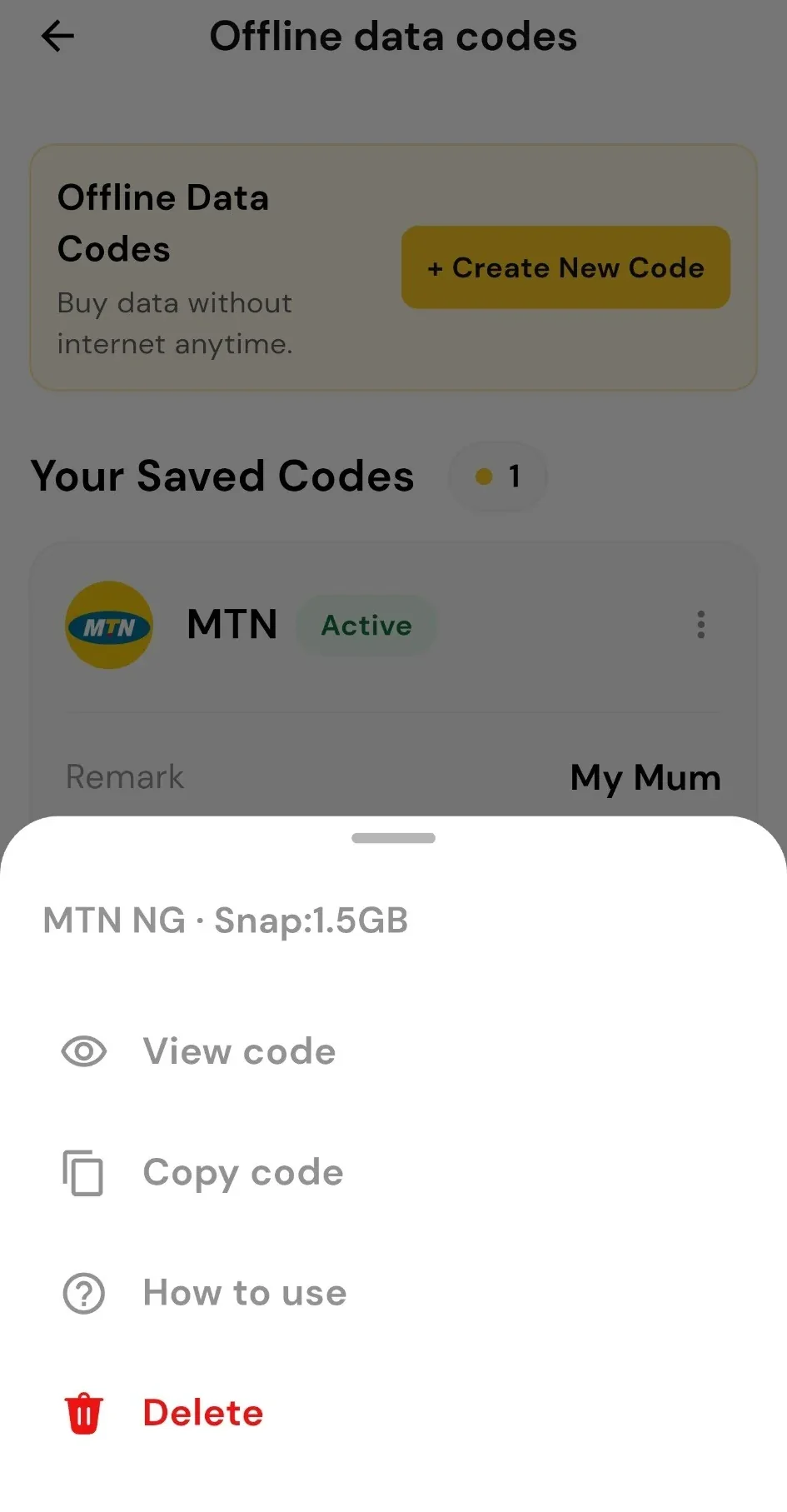
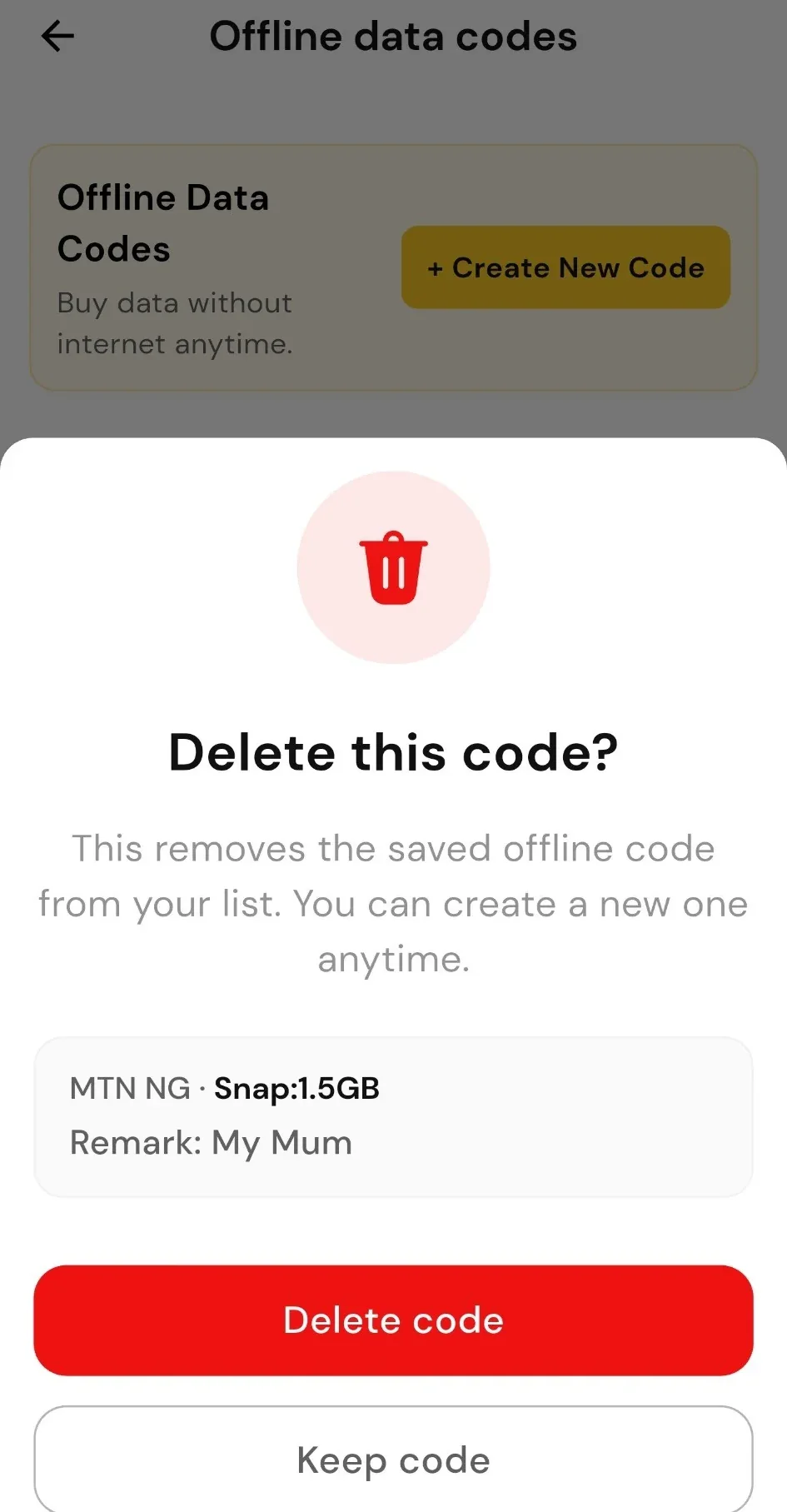
- Delete a code from its menu
- Deleted codes stop working
To remove access, open the code's three-dot menu and select Delete. The code no longer works, even if it was copied earlier.
Fees and requirements
What it costs and what you need before sending the SMS.
Creating a code
No SMS fee for setting up a code.
Sending the SMS
Your network charges its normal SMS rate each time the code is sent.
The data bundle
Deducted from your linked SnappyPay wallet after a successful purchase.
Before you send
Keep enough money in your wallet, and airtime or an SMS allowance on the sending line.
Available plans, prices and any transaction fees are shown in the app when you create a code.
How to buy data without internet in Nigeria
Compare the ways to buy data when you are offline, and when each one makes sense.
Related services
Common questions
No active mobile data is needed for the SMS purchase. Internet is only needed to set up the code in the SnappyPay app or on the web.
Yes, as long as you set up the code for her number and she sends the SMS from that number.
No. The code only works from its registered number, and that same number receives the data.
Yes. Delete their code in SnappyPay. It stops working for future purchases, even if it was copied earlier.
The bundle is paid from the linked SnappyPay wallet after a successful purchase. Each purchase appears in your transaction history.
Yes. Your network charges its normal SMS rate each time the code is sent. Setting up a code does not attract an SMS fee.
MTN, Airtel, Glo and T2. Available plans and prices are shown in the app when you create the code.
USSD codes are usually paid from airtime and dialled each time. Scheduled Payments buys data automatically on dates you set. Buy Data Offline buys a saved plan only when the registered phone sends its SMS code.
Yes. You can create new codes from Offline data codes in the app. Any limits are shown in the app.
Ready for your next data top-up?
Download SnappyPay, fund your wallet and create an offline code for yourself or someone you look after.
Prefer using the web? Create a SnappyPay Account on Web