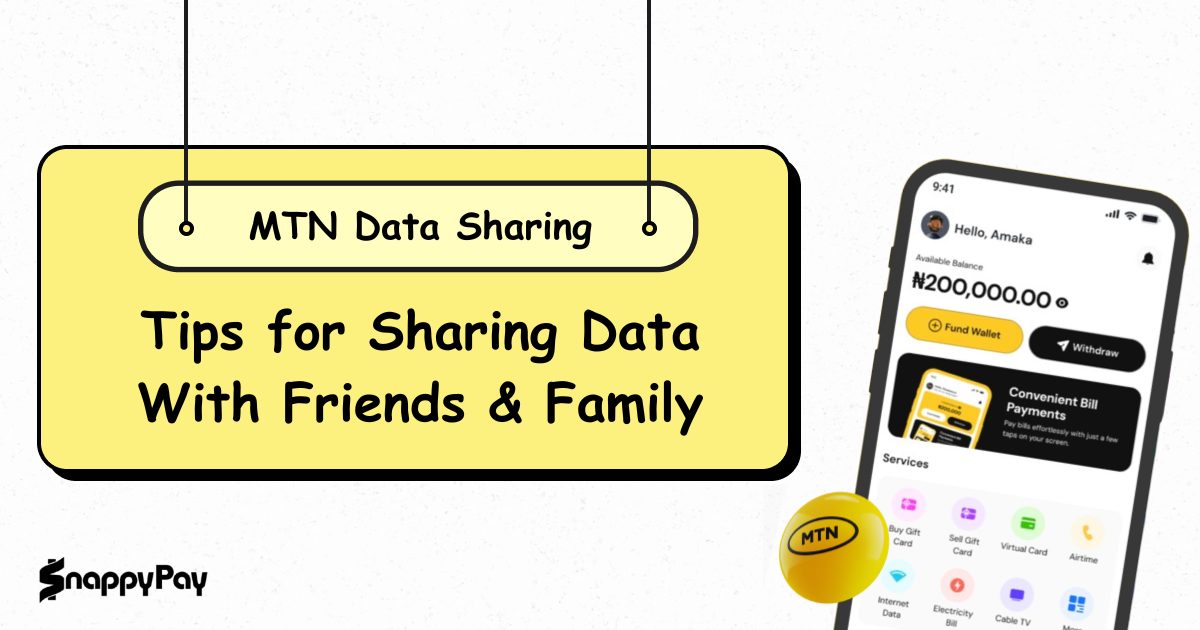
In today’s hyperconnected world, maintaining seamless communication is essential. MTN makes it easy to help others stay connected with its flexible data sharing options.
SnappyPay simplifies the process even further by offering a secure way to purchase MTN data for yourself or a friend.
This guide will show you how to share MTN data, use the right codes, and buy data for others, all with convenience and speed.
How to Share Data on MTN to MTN: Transferring Your Data
MTN allows you to transfer data directly from your active data balance to another MTN user. Data transfers are done using USSD codes or SMS, and the process is instant. Below is a detailed guide on how to transfer MTN data from your active data balance to a beneficiary.
Step-by-Step Guide on How to Transfer Data
MTN offers two convenient ways to transfer data: via USSD code and SMS. Both options are straightforward and require no internet connection. Let us break them down in detail.
Method 1: USSD CODE
- Dial *321# on your MTN line.
- Select 2 for “Data Share”.
- Select 1 for “Transfer from Data Balance”.
- Enter the recipient’s MTN number.
- Enter the amount of data to transfer (e.g., 100MB, 500MB).
- Confirm the transfer
Method 2: Using SMS
- Open your SMS app.
- Type: Transfer <RecipientNumber> <DataAmount>
- Send to 312
Example: Transfer 08147524048 500 to 312.
If you are a business owner who distributes data to customers, read this article on how to share MTN SME data.
How to Transfer Data from MTN to MTN (Addressing 2021 Queries)
MTN data share code as of 2021 was *131#. Note that MTN has since updated its USSD structure. Always use *312# or *321# to share data with your loved ones.
Buying Data for a Friend on MTN
Buying data for a friend on MTN is a thoughtful way to keep your loved ones connected. MTN provides a convenient option for buying data directly for another number. The process is straightforward and even more efficient when done through platforms like SnappyPay. Explore the different methods available below.
How to Buy Data for a Friend
You can directly purchase a data bundle for another MTN user using these methods:
Using USSD Method:
- Dial *312#.
- Select “Data Gifting.”
- Choose “Buy Data for a Friend.”
- Select the data plan.
- Enter the recipient’s number
Via MyMTN App:
- Log in to the app.
- Go to “Data Gifting.”
- Choose a bundle.
- Enter the recipient’s number and confirm.
SnappyPay as a Convenient Option to Buy Data for Others
With SnappyPay, buying data for someone else is simple:
- Go to the Data Purchase Page.
- Select MTN as the network.
- Pick the data bundle.
- Input the recipient’s number.
- Complete payment securely.
You can also buy airtime for the recipient on SnappyPay. They can then use the airtime to subscribe to any MTN data plan they prefer.
Download SnappyPay and pay in seconds.
Managing Your MTN Data Sharing
Managing your MTN data sharing helps you stay in control of how much data you give out and to whom. MTN gives you flexibility in managing who can receive data from your balance by not automating the data share plans.
How to Unshare Data on MTN
MTN no longer offers the traditional “data sharing” where you add beneficiaries. Instead, it allows one-time transfers. Data sharing on MTN is not automatic, giving you better control of your data usage.
Understanding Data Transfer Limits
MTN has implemented certain limitations to ensure the fair use of its data-sharing service. Here’s what you need to know:
- Minimum Transfer Amount: The minimum data transfer amount per transaction is 100 MB. However, you must ensure that you have at least 100MB of data balance remaining after every transfer for the transfer to be successful.
- Maximum per Transaction: The maximum data transfer amount per transaction is 5 GB.
- Daily Cap: The total amount of data you can transfer in a day is limited to 5 GB.
- Validity of Transferred Data: The data shared inherits the validity period of your current data bundle. If your plan expires in two days, the transferred data will also expire in two days.
- Eligibility: Only customers with sufficient data balance can initiate transfers. Some data bundles (especially promotional or bonus offers) may not be eligible for sharing.
- Number of transfers per month: The number of data transfers is limited to 10 times per month
Cross-Network Data Sharing (Limitations)
To share data, both sender and receiver must be on the same mobile network. Each network runs its own system for managing data, so cross-network sharing isn’t possible.
Looking to send data across networks? Here’s a smarter alternative.
How to Transfer Data from MTN to Airtel (and Vice-Versa)
Data sharing only works within the same network. You cannot transfer data directly from MTN to other networks like Airtel, Glo, or 9mobile, and vice versa. However, you can buy data directly on any network using SnappyPay.
Frequently Asked Questions About MTN Data Sharing
1. What is the code to share data on MTN?
Use *312*PhoneNumber*DataAmount# or send an SMS with Transfer PhoneNumber DataAmount to 312.
2. How can I transfer data from my MTN balance to another MTN number?
Use either USSD code (*312*RecipientNumber*DataAmount#) or SMS (Transfer RecipientNumber DataAmount to 312).
3. Can I buy data for a friend on MTN? What’s the code?
Yes. Dial *312# > Data Gifting > Buy Data for a Friend. You can also use SnappyPay for a quicker experience.
4. How do I unshare data on MTN?
You cannot unshare data that has already been shared.
5. Can I transfer data from MTN to Airtel?
No. Direct transfers between networks are not possible. However, you can use SnappyPay to buy data on any network.
Conclusion: Share the Connection and Stay Connected with SnappyPay
Sharing data helps friends and family stay connected when it matters most. With MTN’s data transfer features and SnappyPay’s seamless recharge solutions, you’re assured of being connected.
From quick transfers using USSD codes to buying data for a loved one via SnappyPay, you have multiple ways to ensure everyone stays connected.
Need to share data or buy for a friend fast?
Use MTN codes or buy data for your loved ones instantly with SnappyPay!
![How to Check Airtel Data Balance [Complete 2026 Guide]](https://cms.snappypay.ng/wp-content/uploads/2025/02/feat-check-airtel-data-balance.png)
![Best Tips on How to Buy Data on 9mobile in Nigeria [2026 Guide]](https://cms.snappypay.ng/wp-content/uploads/2025/03/How-to-Buy-Data-on-9Mobile.png)