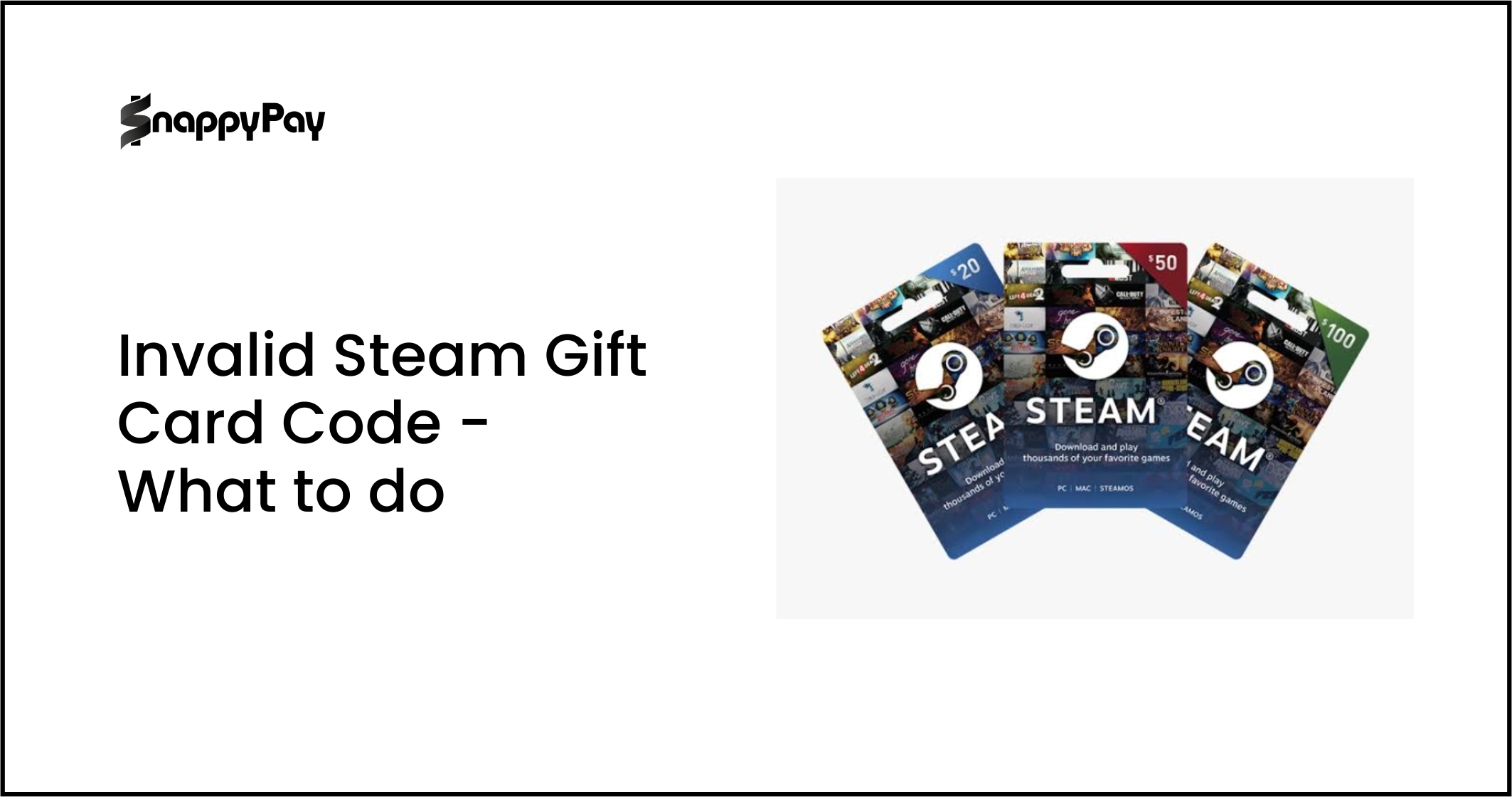
Are you a gamer trying to understand what a Steam gift card is or how to use a Steam wallet gift card? Many users don’t know the difference between a physical Steam gift card, a digital code, and a “wallet code,” while scam sites promise “free Steam gift card codes” but harvest accounts.
This guide explains clearly what a Steam gift card is, where to get one safely, and how to redeem a Steam gift card step by step.
Steam Gift Card Guide
- • Steam gift card = prepaid PIN for Steam Wallet funds ($5–$100 denominations).
- • Redeem on Steam (PC / Web / Deck) → enter code in the Wallet section.
- • Buy digital cards from Steam, Amazon, or Snappy Exchange — or use virtual cards via SnappyPay.
- • Use funds for games, DLC, and skins.
- • Scam alert: “Free Steam gift card codes” = fake/phishing.
- • Balance auto-applies after redeeming.
- • Parents: Use SnappyPay to control gaming spend.
What Is a Steam Gift Card?
A Steam gift card is a prepaid voucher that adds funds to your Steam Wallet, usable for buying games, software, DLC, and in-game items on the Steam platform. Issued by Valve, it comes in physical form (retail card with scratch-off PIN) or digital (email code). Common Steam gift card denominations include $5, $10, $20, $25, $50, and $100.
Steam Gift Card vs Steam Wallet Gift Card
A Steam gift card refers to the overall prepaid voucher product, whether it comes as a physical card or a digital e‑code. A Steam wallet gift card, on the other hand, emphasizes the 15‑character alphanumeric code used to add funds directly to your Steam Wallet. In practice, both phrases describe the same thing: a Steam‑issued voucher that, when redeemed, credits your Steam Wallet with a specific amount of money.
After you enter the Steam wallet code on the official redemption page in the Steam client or via the web, the balance is immediately added to your Steam Wallet, and from that point on, it behaves like any other funds in your account.
There is no separate balance or tracking for that code; it simply becomes part of your general Steam Wallet balance, which you can then use to buy games, DLC, in‑game items, software, or other eligible products on the Steam Store.
What You Can Buy with Steam Gift Card Funds
Steam wallet gift card funds can be used to purchase full games (including major titles and indie hits), DLC expansions, in‑game cosmetics and skins, and supported hardware such as Steam‑branded controllers, VR accessories, and compatible gaming gear on the Steam Store.
Once the Steam wallet code is redeemed, the balance sits in your Steam Wallet, and you can complete purchases without repeatedly entering a card.
This is especially useful for Nigerian gamers, who often face international card fees, declined transactions, or foreign‑currency limits; using Steam wallet gift card funds lets them buy games and digital content seamlessly, without needing a foreign‑issued card on file.
Steam Wallet balance isn’t cash, and withdrawals are impossible; it’s locked for the Steam ecosystem. Codes auto-convert to your region’s currency (e.g., NGN/USD equivalent), and unused funds roll over indefinitely.
How to Redeem a Steam Gift Card (PC / Web)
Steam Client (Windows/Mac/Linux):
- Launch the Steam app → Log in to your account
- Click username (top bar) → Account Details
- Scroll to “Add funds to your Steam Wallet” → “Redeem a Steam Gift Card or Wallet Code.”
- Enter 15-character code (format: XXXXX-XXXXX-XXXXX) from physical scratch-off or digital email
- Click Continue → balance updates instantly (no approval wait)
Web Browser:
- Visit store.steampowered.com/account → Sign in
- Click username → View Account Details
- “Add funds to your Steam Wallet” → “Redeem a Steam Gift Card or Wallet Code.”
- Input Steam gift card code → Continue → Funds appear immediately
Key details:
- Works on any device/browser (Chrome, Firefox, Safari, Edge)
- 15 alphanumeric characters only (no spaces, dashes optional)
- Instant activation (1-3 seconds); no “pending” status
- Single-use codes (mark physical cards “REDEEMED” after use)
- Currency auto-converts to your Steam region (USD → NGN equivalent)
Error prevention:
- Copy-paste codes (avoid manual typing errors)
- Verify full 15 characters before Continue
- Scratch panels completely (no partial reveals)
Post-redemption: Check Wallet balance under Account Details (funds auto-apply to next purchase).
How to Use a Steam Wallet Gift Card on Steam Deck
Steam Deck offers native Steam Wallet code redemption through its handheld interface (no PC or phone required):
Step-by-step process:
- Access main menu: Press the Steam button (center button below right thumbstick)
- Navigate to Wallet: Select Settings (gear icon) → Account → Wallet
- Start redemption: Click “Redeem a Steam Gift Card or Wallet Code.e”
- Enter code: Use on-screen keyboard to type your 15-character Steam wallet code (scratch-off PIN from physical card or emailed digital code)
- Confirm: Press Enter → “Confirm” → Funds appear instantly in Deck’s Steam Wallet balance
Key Deck-specific details:
- Virtual keyboard auto-adjusts for controller/thumbstick input
- Code format validation prevents typos (rejects invalid characters)
- Visual confirmation: Wallet balance updates on-screen immediately
- No internet lag: Works offline after initial Steam login (codes validate server-side on reconnect)
Redeem first, buy instantly, keep gaming
The biggest advantage for Steam Deck users is speed and convenience. You can redeem your Steam Wallet gift card funds directly on the device and move straight to checkout without stopping your session.
That means no switching to a desktop, no opening extra tabs, and no breaking the flow when you are about to buy a new indie title from the handheld store.
Even better, the process is still flexible for everyone else: it works on any browser, so there is no app required.
Where You Can Buy a Steam Gift Card
There are several secure and efficient ways to buy Steam gift cards, depending on your location and preferred payment method. These options include:
- Official Digital Storefronts: Buying directly from Steam or major authorized retailers like Amazon ensures you receive a legitimate 15-character PIN via instant email delivery.
- Physical Retailers: For those who prefer a tangible card, physical vouchers with scratch-off panels are available at global outlets such as GameStop, Walmart, and Best Buy, typically in denominations ranging from $10 to $50.
- Specialized Exchange Platforms: Services like Snappy Exchange provide alternative ways to acquire codes, which are particularly useful in regions where direct Steam purchases might face local banking restrictions.
- Virtual Card Solutions: In markets like Nigeria, where physical cards are scarce, gamers often use the Snappypay app to fund virtual USD cards, enabling them to buy digital Steam codes without international transaction failures.

How to Get Steam Gift Cards in Nigeria (Practical Workflow)
Physical Steam cards remain scarce in Nigerian supermarkets and gaming stores due to high import costs and limited mainstream demand. Digital purchase dominates as the reliable solution.
1. Load your virtual USD card: Nigerian bank cards frequently fail international payments due to forex restrictions, making virtual cards the primary workaround.
2. Buy $20 Steam digital: At the March 2026 rate, this costs approximately ₦33,000 via trusted digital storefronts.
3. Instant email code → Redeem globally: Digital codes deliver a unique 15-character PIN immediately to your inbox, which can be redeemed on PC, Mac, or Steam Deck regardless of your physical location.
Parents can also transfer ₦35,000 from their main bank to Snappypay, then load a USD virtual card through the app. This acts as a secure buffer, keeping primary bank accounts untouched while funding gaming needs. They use this card to purchase a $25 Steam digital code directly from authorized retailers, which delivers instantly via email. Finally, they tag the Snappypay transaction “Steam Gaming” and set kid-specific spending limits for controlled access, ensuring precise budgeting where ₦35k equals exactly one $25 card.
Why this works best:
- Isolates risk: Main accounts never touch international gaming
- Exact budgeting: Preload precise amount (₦35k = one $25 card)
- Traceable proof: Snappypay receipts validate legitimate purchase
- Universal access: Digital codes work on PC/Deck/phone regardless of location
Safe Steam Gift Card Buy
- ✔ Buy only from official sources like Steam.com or Amazon.
- ✔ Choose digital delivery so you receive the code by email with no shipping needed.
- ✔ Check that the code matches the standard 15-character PIN format: XXXXX-XXXXX-XXXXX.
- ✔ Redeem immediately after receipt so you can confirm the code works and secure the balance in your Steam Wallet.
Scam Warning: “Free Steam gift card codes” lists/videos contain expired/reused PINs. These phishing logins or deliver malware. Legit codes come from purchases only.
How to Spot a Steam Gift Card Scam
Scammers target Steam’s popularity with fake codes and phishing sites. 99% of free Steam gift card codes fail because they’re expired, reused, or outright fraud. Here’s how to identify legitimate offers vs dangerous traps:
Critical red flags:
- Login demands: “Enter Steam username/password to claim free $50 code” → instant account theft
- Code generators: Websites/APKs promising “unlimited Steam wallet codes” → malware installers
- URL tricks: steem-gift.com, steam-giftcard.net (vs official store.steampowered.com)
- “Too good” pricing: $100 Steam card for ₦20,000 (40% below market) = stolen code
- Public code lists: Same 15-digit PIN posted across YouTube comments/Discord
Safe verification signals:
- Steam URLs only: store.steampowered.com/digitalgiftcards or Amazon.com
- Clear purchase receipt matching code value/denomination
- Email delivery from [email protected] or Amazon
- Physical cards: Official Valve branding + intact scratch-off panel
Immediate action: Test suspicious codes on Steam.com first (free verification); invalid codes won’t activate, but reveal if already redeemed. Report fakes via Steam Support → “Fraudulent Codes.”
Spot the Difference: Real vs Fake Steam Codes
Quick comparison to avoid scams and protect your funds
| Signal | Genuine Steam Gift Card | Fake “Steam Wallet Code” |
|---|---|---|
| Source | Steam, Amazon, or verified retailers | Generators, shady sites, YouTube “code lists” |
| Code Type | Unique 15-character PIN | Shared or reused “master codes” |
| Login Request | No login needed to redeem | Often asks for username/password |
Frequently Asked Questions (FAQs)
1. What is a Steam gift card?
A Steam gift card is a prepaid voucher that adds funds to your Steam Wallet so you can buy games, DLC, and in-game items on Steam.
2. What is a Steam Wallet gift card?
A Steam wallet gift card is the code you redeem a Steam gift card to add credit to your Steam Wallet; once redeemed, the balance becomes your Steam Wallet funds.
3. How do I redeem a Steam gift card?
Log in to Steam → go to your account wallet → choose “Redeem a Steam gift card code or wallet code” → enter the 15‑character code → confirm; the balance appears instantly.
4. Can I use a Steam gift card on Steam Deck?
Yes. On Steam Deck, go to Settings → Users → Wallet → Redeem Gift Card, then type the code with the on‑screen keyboard to add the funds.
5. How do I buy games with Steam wallet gift card funds?
After you redeem a Steam gift card, simply shop on the Steam Store; Steam will automatically use your Wallet balance for purchases.
6. Are free Steam gift card codes real?
Almost all “free Steam gift card codes” online are fake, expired, or scams. Legitimate codes are tied to purchases or official promotions and cannot be generated endlessly.
7. How can Snappypay help me use Steam gift cards safely?
The Snappypay app can help you move money safely to a card or wallet used for Steam‑related spending, so you can fund your Steam games without exposing your main bank‑linked card.
Conclusion
Steam gift cards deliver reliable gaming funds through simple redemption (PC/Deck/web) and trusted sources like Steam.com/Amazon. Nigerian families bypass physical scarcity using digital codes funded via virtual USD cards by using Snappypay, which isolates risk while enabling precise budgets (₦35k = $25 card).
Key takeaways:
- Legit codes: 15-character PINs from authorized purchases only
- Scam-proof: Skip “free generator” traps; verify Steam URLs + receipts
- Nigeria reality: Digital > Physical; tag Snappypay transactions for kid safety
- Next step: Load ₦35,000 → buy $25 code → redeem instantly
Armed with these steps, you can secure clean Steam wallet gift cards without fraud exposure. Parents can control spending, and gamers can play safely. Snappypay makes it seamless from Naira to gameplay. Buy a Steam gift card on SnappyPay now, or redeem on SnappyExchange.