USSD codes have made managing mobile services quick and hassle-free in Nigeria. These MTN USSD codes allow you to check your airtime balance, buy data, cancel subscriptions, and retrieve your phone number without needing internet access. If you’re looking for a seamless way to complement these codes with fast airtime or data top-ups, SnappyPay is the platform to trust.
In this guide, we break down the most essential MTN new USSD codes, including how to use them effectively to check your balance, find your number, stop auto-renewals, and much more.
What are USSD Codes?
USSD (Unstructured Supplementary Service Data) codes are short, quick-dial codes used to communicate directly with your mobile network. When you dial a USSD code, your phone sends a request to the network, and the network sends back a response, often in the form of a menu or direct information.
Additionally, unlike apps or websites, USSD works on even the most basic phones and does not require mobile data.
Why are USSD Codes Useful for MTN Users?
MTN USSD codes offer several benefits for users:
1. No Internet Required
They work even without an active internet connection. This makes them ideal for checking balances or subscribing to data when you are out of data.
2. Instant Access
Get immediate responses and perform actions quickly – no waiting for apps to load or for SMS messages to send and receive.
3. Universal Accessibility
All basic mobile phones support USSD codes, so you don’t need an Android device or an iPhone to use USSD codes.
4. Direct Control
USSD codes allow you to directly manage your services without navigating complex menus in an app or speaking to customer service.
Checking Your MTN Account Balance: Airtime and Data
Code to Check MTN Airtime Balance
To check your MTN airtime balance, simply dial *310# to instantly receive a pop-up message displaying your main balance, or dial *310*1# for a direct airtime balance check.
Alternatively, download and log in to the MyMTN app, and your account balance will be displayed on the dashboard.
MTN Account Balance Code (Overall Balance)
- Dial *310# to see your main account balance.
- For a more comprehensive view, including data, voice, and SMS bonuses, you can often use *312# and follow the prompts for balance inquiry.
- You can also check your overall balance via the MyMTN app
How to Check MTN Data Balance
Keeping track of your MTN data usage is essential to avoid unexpected disconnections or charges. MTN provides multiple convenient methods to check your data balance: USSD, SMS, the MyMTN app, or the MTN website.
1. USSD Code
Dial *323#. You’ll receive a pop-up message displaying four balance options. Choose the one that aligns with your request, and you’ll get another pop-up message and an SMS showing your current data balance and validity.
2. SMS Method
Send 2 to 323. You’ll get an SMS reply from MTN with detailed information about your data balance.
3. MyMTN App
Download and log in to the MyMTN app. Once inside, your dashboard displays your data bundles and remaining balance clearly.
4. Web Portal
Visit the official MTN Nigeria website and log in to your account. Your data balance will be shown on your profile or dashboard.
How to Manage Subscriptions with MTN New USSD Codes
Subscribing to data, voice, or other services on MTN typically involves specific MTN subcodes. MTN offers a wide range of services, and each usually has its own dedicated USSD code or a pathway through a general menu. There isn’t one universal MTN subcode for all services.
See the most common ones below:
1. Data Bundles
For data subscriptions, dial *312# to access the data bundle menu. Navigate through the options to choose your preferred plan, whether it is daily, weekly, monthly, or mega bundles.
2. Voice Bundles
Dial *321# and follow the prompts to subscribe to voice bundles, including hourly, daily, or family talk plans.
3. Special Offers
MTN frequently introduces special offers and promo bundles. These often come with unique codes, which MTN advertises directly to users via SMS or on their official website.
Code to Sub for MTN Services
Remember, there is no single code for MTN services that works for everything. You’ll need to find the specific code for the service you want.
- For general service inquiries and subscription options, dial *123#.
- Always check the official MTN Nigeria website or reliable sources for the most current and specific subscription codes for new services or bundles.
How to Cancel MTN Auto Renewal
There is a code to stop auto renewal on MTN for data plans and other services. Below are some common codes to cancel MTN auto renewal:
1. For Data Plans
Dial *312#, then navigate to the “Manage Data” or “Auto-renewal” option to disable auto-renewal for your data plan. Alternatively, you can send an SMS with NO to 312 to stop the service.
2. For Other Services
To cancel specific value-added services (VAS), send STOP to the appropriate shortcode (e.g., STOP to 33110 for caller tunes). You can also refer to the original activation SMS for the correct deactivation command and shortcode.
Code to Check MTN Phone Number
The code to check MTN phone number is *123*1*1#. You can also check your phone number via the MyMTN App.
Why Understanding MTN USSD Codes is Beneficial
Knowing your MTN new USSD codes gives you significant advantages as an MTN subscriber.
1. Convenience and Speed
USSD codes offer unmatched convenience. You can perform tasks or get information instantly, whether or not you have an internet connection. This saves time and gives you direct control over your mobile services.
2. No Internet Required
MTN USSD codes allow access to important services like checking your MTN account balance or buying data plans without an internet connection.
3. Direct Access to Services
USSD codes provide direct ways to specific services. Instead of going through complicated app menus, a quick dial takes you straight to the option you need, whether it’s checking your MTN airtime balance or activating a new plan.
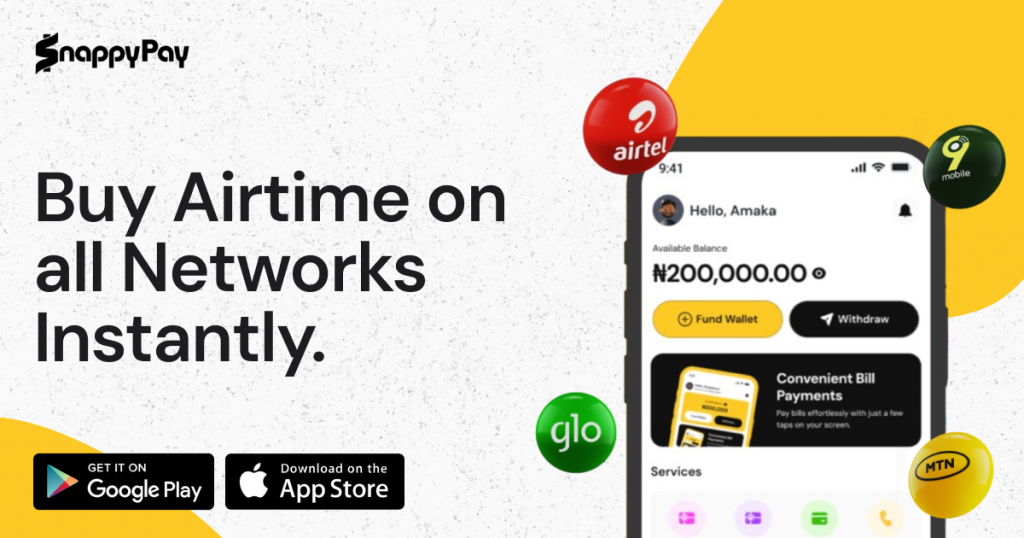
Top Up Your MTN Services Easily with SnappyPay
While USSD codes offer direct control, SnappyPay provides an easy and secure online way to top up your MTN services with ease.
1. Convenient Online Recharge
SnappyPay simplifies buying airtime and data. You can recharge your MTN line or buy bundles for friends and family from anywhere, anytime. This means you don’t need to remember many MTN sub codes for different bundles or go out to buy physical recharge cards.
2. Secure Transactions
SnappyPay uses strong encryption and secure payment systems. This ensures your personal and financial information remains protected during every transaction.
3. Variety of Payment Options
SnappyPay supports several secure payment methods (debit cards, bank transfers, and more), making it easy to top up your MTN services using your preferred option.
For general questions, visit SnappyPay or contact customer care with 24/7 availability.
Frequently Asked Questions About MTN USSD Codes
1. What is the new USSD code for checking MTN airtime balance?
The new USSD code for checking your MTN airtime balance is *310#.
2. Is there a single code to see all my MTN balances?
There isn’t one code for all balances. Use *310# for airtime and *323# for data.
3. How do I stop the automatic renewal of my MTN data plan?
Dial *312# and select the option to turn off autorenewal, or send an SMS with NO to 312.
4. What is the easiest way to check my MTN phone number?
The easiest code to check a phone number on MTN is *123*1*1#. Your number will appear immediately. Alternatively, your number is visible on the MyMTN app’s home screen.
5. Where can I find the USSD code to subscribe to a specific MTN service?
Always refer to the official MTN Nigeria website for the most current subscription codes.
Conclusion
Mastering these MTN USSD codes puts you in full control of your mobile experience, whether you need to check MTN airtime balance, cancel auto-renewal, or retrieve your number. Combine that with the speed and reliability of SnappyPay to enjoy a fully optimized MTN experience.
![How to Transfer Data on Airtel in 2026 [All Methods]](https://cms.snappypay.ng/wp-content/uploads/2025/02/How-to-Transfer-Data-on-Airtel.jpeg)