Think your Apple Gift Card is empty? Don’t be so sure, you might be leaving hidden credit behind. That leftover balance could pay for a new app, a music subscription, or even chip in toward your next Apple device. And if you’ve ever found yourself wondering, ‘Wait, how much is even left on this thing?’ You’re not alone.
The good news? Checking your balance is quick, hassle-free, and only takes a few taps. In this guide, we’ll walk you step by step through how to check Apple gift card balance on any device, whether you’re using an iPhone, iPad, Mac, or even Windows.
And if you’d rather turn that balance into cash instead of spending it in the Apple ecosystem, we’ll also show you how SnappyPay makes it safe and easy to convert your card into instant money.
Method 1: Checking Your Apple Account Balance (After Redemption)
When you redeem an Apple Gift Card, the funds don’t stay on the physical card; they’re added to your Apple Account balance. You can then use this balance across the App Store, iTunes, Apple Music, iCloud, or even toward Apple products. Here’s how to check it on different devices:
1. On iPhone and iPad
Option 1: App Store app:
- Open the App Store.
- Tap your profile picture (top right).
- Under your Apple ID name, you’ll see Apple Account Balance
Option 2: Wallet app:
- Open the Wallet app.
- Scroll down to find your Apple Account card.
- Tap it to view your available balance.
2. On Mac
- Open the App Store from your Dock or Applications.
- Sign in with your Apple ID (if needed).
- Click your name/profile in the sidebar.
- Your Apple Account Balance will appear beneath your name.
3. On a Web Browser (Mac, Windows, or Any Device)
- Go to the Apple website and sign in.
- Under the Account section, scroll to see your Apple Account balance.
Note: If you don’t see a balance on any platform, it means your account currently has no funds.
Method 2: Checking the Balance of an Unredeemed Apple Gift Card
You can check the value on a physical or digital Apple Gift Card before redeeming it. Apple provides an official balance-check page so you don’t have to guess.
Important: Only use Apple’s official page or Apple Support. Never enter your code on a third-party site.
1. Check online (step-by-step)
- Open a browser and go to Apple’s official Check Your Balance page.
- Sign in with your Apple ID if prompted.
- Find your 16-digit code:
- Physical card → scratch off the strip.
- Email card → copy the code from your email.
- Enter the code (and any extra security characters requested).
- Click Check Balance. Your remaining amount will display if the card is valid.
2. If you prefer by phone or in-store
- Call Apple Support or your local support number.
- Or bring the card and proof of purchase to an Apple Store.
Troubleshooting and Tips
- Unreadable code? Scratch gently or contact Apple with proof of purchase.
- Invalid/Already redeemed? If “already redeemed” shows, the funds are tied to a different Apple ID. Only Apple Support can confirm.
- Region lock: Cards usually only work in the country/region where they were purchased.
⚠️ Security Warning
Never share your 16-digit code publicly or enter it on unofficial websites. Apple warns about scams. When in doubt, contact Apple directly.
When to redeem or sell
Once you confirm the balance (see Method 1), you can redeem it into your Apple Account. If you’d rather cash out instead of spending it, platforms like SnappyExchange (A reliable SnappyPay partner) make it safe and easy to convert Apple Gift Cards into instant money.
Important Notes to Check Apple Card Balance
Before we wrap up, let’s clear up some common misunderstandings around Apple card balance check.
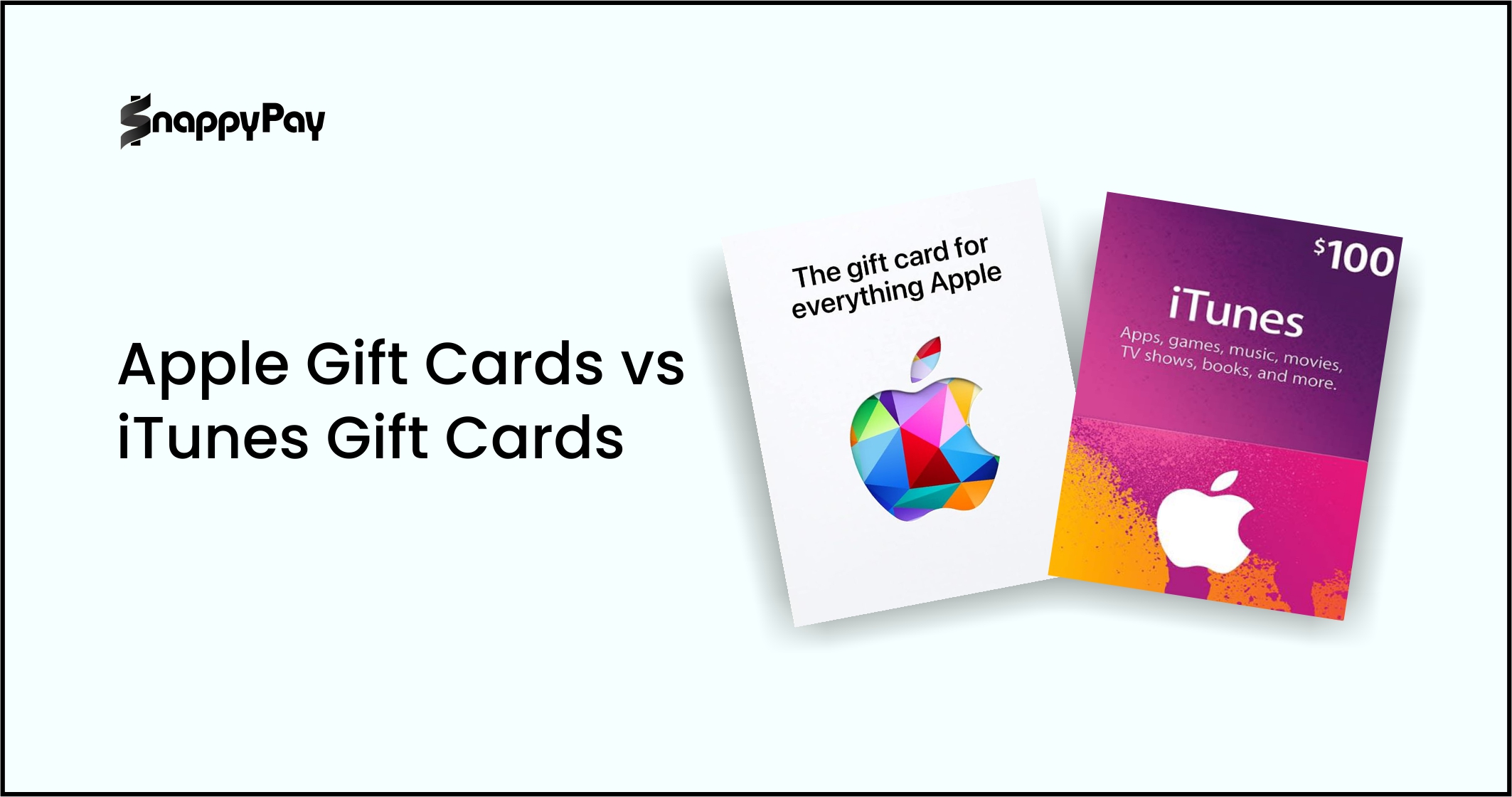
1. Apple Gift Card vs. Apple Card
The term Apple Card balance can mean two different things:
- Apple Gift Card Balance: This is the prepaid store credit you load onto your Apple ID after redeeming a physical or digital gift card. That’s the focus of this guide.
- Apple Card Balance: This refers to the balance on Apple’s credit card, issued by Goldman Sachs in the U.S., which is completely separate from gift cards.
The focus of this guide is on checking the Apple gift card balance, not the credit card. If you’re looking to check your Apple credit card balance, you’ll need to do that in the Wallet app or on your Apple Card account statement.

2. Does a Partially Used Gift Card Still Have a Balance?
Yes. Apple Gift Cards don’t expire after the first use. If you’ve spent part of the balance, the remaining credit stays active and linked to your Apple ID until you use it up.
For example:
- If you had a $50 gift card and bought a $20 app, you’d still have $30 left in your Apple Account.
- That leftover amount can be spent on any Apple service or product until the balance reaches zero.
You can check the remaining balance anytime using the steps in Method 1 or Method 2 above..
Have a Balance You Don’t Want? Convert it to Cash with SnappyPay
Checked your Apple Gift Card and realized you don’t need more apps, music, or devices? Don’t let that balance sit idle. With SnappyPay, you can instantly trade unwanted gift card funds for cash. The process is fast, safe, and rewarding, giving you real value for every unused balance.
Here’s why thousands of users choose SnappyPay:
- Security First: Avoid scams or risky third-party deals. SnappyPay provides a verified, reliable way to convert your card.
- Best Rates Guaranteed: Get maximum value for your Apple Gift Card, no hidden fees or lowball offers.
- Instant Payment: Once your card is verified, you’ll receive your cash instantly.
Your unused gift card doesn’t have to gather dust. With SnappyPay, you can unlock its real-world value today.
Download SnappyPay and pay in seconds.
Frequently Asked Questions
1. Can I check my Apple Gift Card balance without an Apple ID?
Yes, but only if the card hasn’t been redeemed. You can check an unredeemed card’s balance on Apple’s official website. If it’s already redeemed, you must sign in with the Apple ID that holds the funds.
2. Why can’t I check my balance on my Mac?
Most often, it’s because you’re not signed in, your App Store app isn’t updated, or the card was redeemed on a different Apple ID. Make sure you’re signed in with the right account and have updated macOS. If it still doesn’t appear, contact Apple Support.
3. Do Apple Gift Cards expire?
No. Apple Gift Cards don’t expire and don’t have inactivity fees. You can redeem and use them whenever you want.
4. Can a partially used gift card be sold for cash?
Yes. Platforms like SnappyPay partner with SnappyExchange to redeem partially used Apple Gift Cards, but you’ll be paid based on the remaining balance after verification.
5. Does checking my balance redeem the card?
No. Checking only shows the balance. Funds are added to your Apple ID only if you choose to redeem the card.
Conclusion: Take Control of Your Balance
Checking your Apple Gift Card balance is simple and essential. You can view your funds after redemption through your Apple ID on iPhone, iPad, Mac, or the web. If the card is still unredeemed, Apple’s gift card balance page lets you confirm the amount before using it.
Knowing your Apple Gift Card balance helps you decide your next move, whether to spend it on apps, subscriptions, or Apple devices, or to turn that value into instant cash with SnappyExchange.