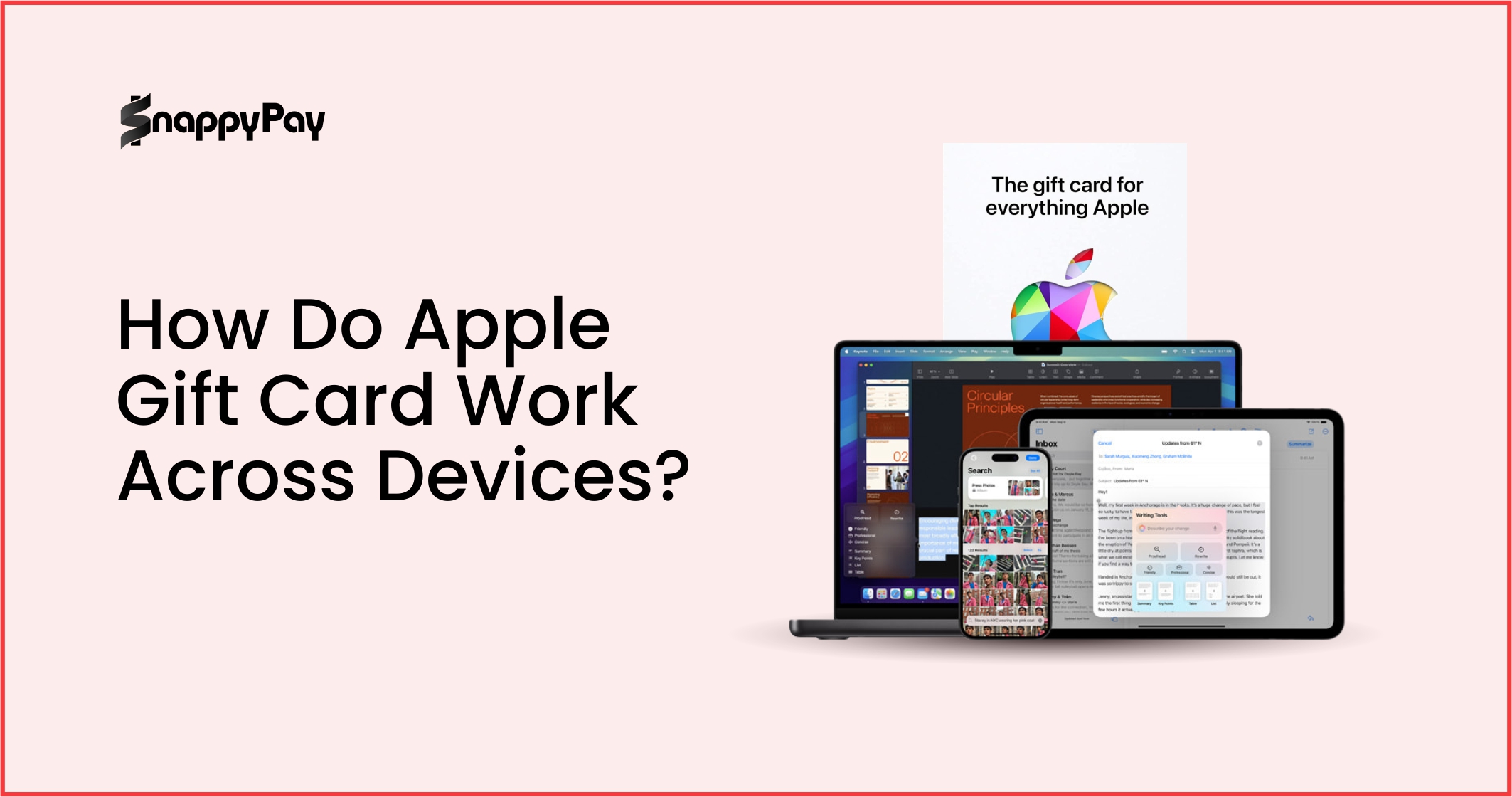
Got an Apple gift card but not sure what it’s good for? From apps and music to movies and even cash, you have more options than you might think. This guide will show you how to identify your card, redeem it on your iPhone, iPad, or Mac, and even trade it safely for cash if that’s your preference.
In this guide, we’ll break down the essentials, like the difference between an Apple Gift Card and an iTunes Gift Card, how to redeem them across devices, and what you can actually buy with them.
The Redemption Process: A Step-by-Step Breakdown
Redeeming an Apple gift card is simple once you know where to look. Whether you’re on an iPhone, iPad, Mac, or even a Windows PC, the process only takes a few minutes. Let’s break it down.

1. How to Find Your Apple Gift Card Code
Before you can redeem, you’ll need the 16-digit code on your Apple gift card.
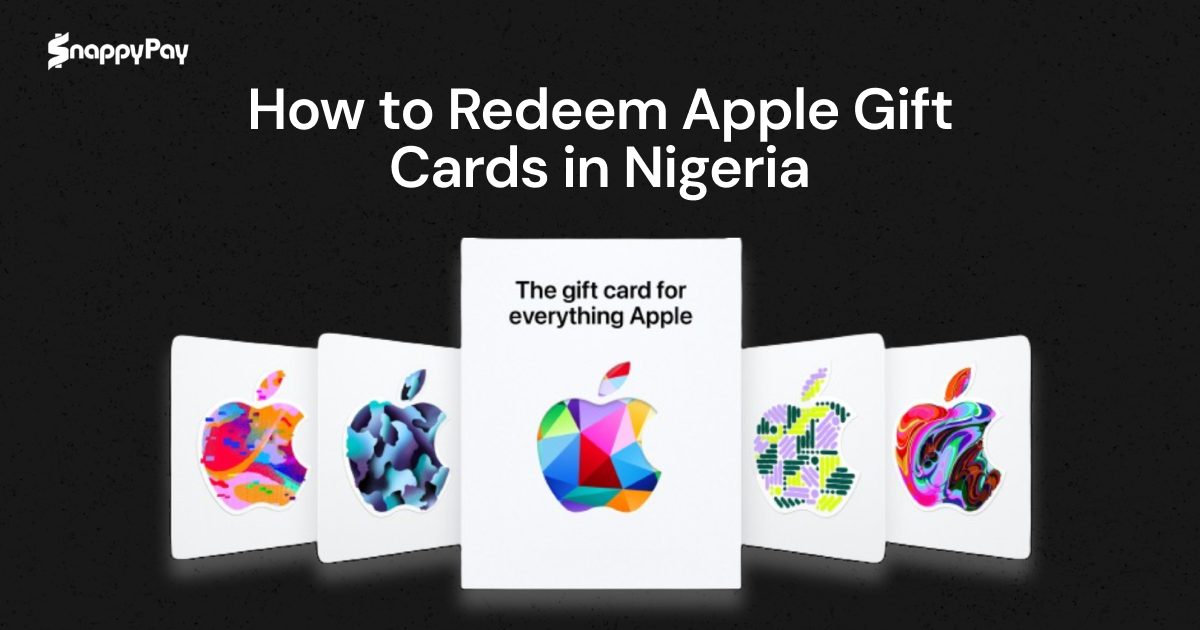
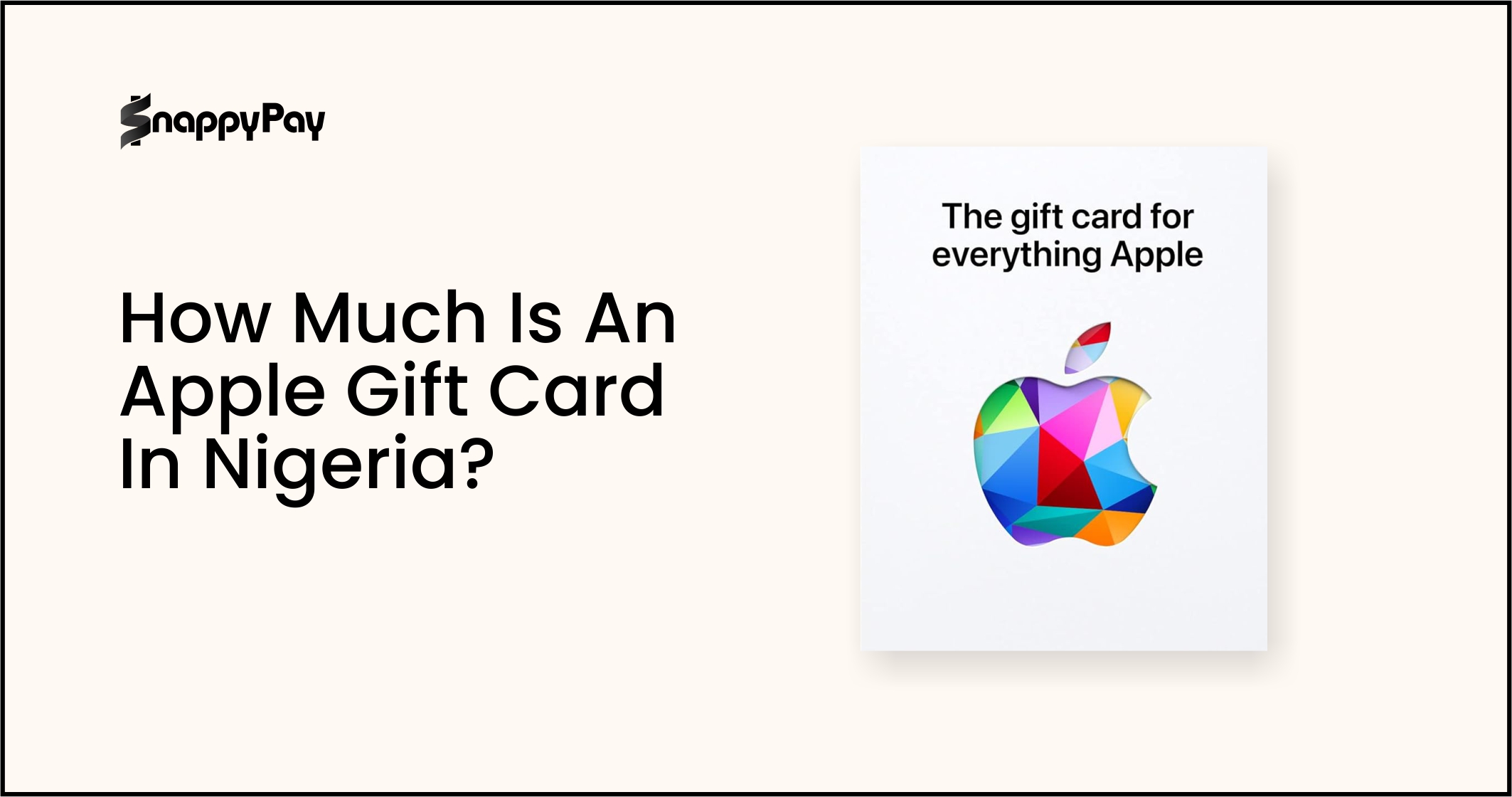
- On a physical Apple gift card, you’ll find the code on the back, usually hidden under a scratch-off label. If you’ve seen an Apple gift card picture, you’ll notice the silver strip that protects the code until it’s revealed.
- For a digital Apple gift card, the code is sent directly to your email.
This code is the most important part of your card; it unlocks the balance for you to use it across your devices.
2. How to Redeem an Apple Gift Card on iPhone and iPad
Follow these steps to redeem your Apple gift card on your iOS device:
- Open the App Store app.
- Tap your profile icon in the top-right corner.
- Select Redeem Gift Card or Code.
- You can either use your iPhone or iPad camera to scan the code on the physical card, or tap “Enter Code Manually” to type in the 16-digit number.
- Tap Redeem. Your balance will be added instantly to your Apple ID.
3. How to Redeem an Apple Gift Card on Mac
To redeem on a Mac:
- Open the App Store.
- Click your name or sign in if you haven’t already.
- From the menu, select Redeem Gift Card.
- Enter the 16-digit code (or use your Mac’s camera if supported).
Confirm, and your balance will be credited to your Apple ID.
4. How to Redeem an Apple Gift Card on a Windows PC
Still using iTunes on Windows? Here’s how to redeem:
- Open the iTunes application.
- From the menu bar, choose Account > Redeem.
- Sign in with your Apple ID.
- Enter your 16-digit gift card code and click Redeem.
Your credit will be added to your account, ready for purchases.
What Can You Buy After You Redeem Your Gift Card?
So, you’ve redeemed your Apple gift card, now what? The good news is that your options are wider than ever, thanks to Apple’s unified card system.
1. The New Universal Apple Gift Card
Today’s Apple Gift Card is universal, meaning you can use it for both digital and physical purchases. Once redeemed, the balance is added to your Apple account balance, which can then be spent on:
- Apps, games, and subscriptions from the App Store
- Music, movies, and books from Apple services
- iCloud storage or Apple One bundles
- Apple hardware like iPhones, iPads, Macs, or accessories (when shopping at Apple’s online or retail store)
In short, your Apple balance is valid across almost everything Apple sells, whether digital or physical.
2. Clarifying Card Confusion
Before Apple streamlined its system, there were different types of cards, and this sometimes still confuses people:
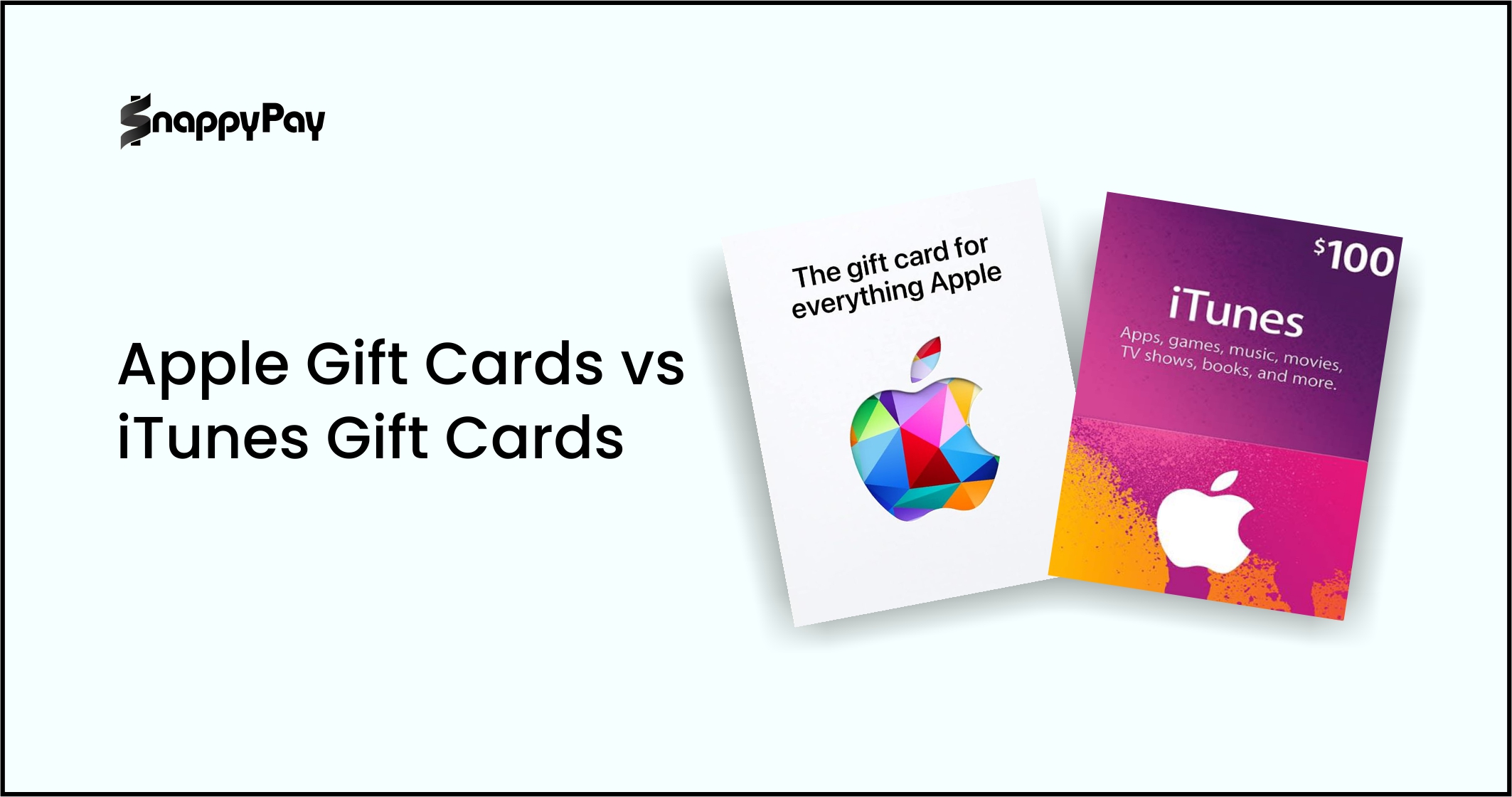
- Apple Store Gift Card: Can only be used for physical products, such as iPhones, iPads, or MacBooks, purchased directly from Apple.
- iTunes Gift Card (or Apple iTunes Gift Card): Can only be used for digital content, such as apps, music, movies, and iCloud.
If you’ve ever asked, “What’s an iTunes card used for?” the answer is simple: it was for buying digital content, nothing physical. Now, the new Apple Gift Card replaces both.
And what about an Apple Pay gift card? Here’s the key distinction: there’s no such thing as an Apple Pay gift card. Apple Pay is a payment method (like a digital wallet). You can’t buy an “Apple Pay gift card,” but you can use your Apple Gift Card balance as a funding source in Apple Pay once it’s added to your Apple Account.
⚠️ There’s no such thing as an Apple Pay Gift Card. There are only Apple Gift Cards that you can add to Apple Pay.
Get Cash for Your Gift Card with SnappyExchange (A Reliable SnappyPay Partner)
Not everyone wants to spend their gift card inside Apple’s ecosystem. Maybe you’d rather have the flexibility of cash instead of being tied to apps, subscriptions, or Apple products. That’s where SnappyExchange comes in.
1. The Alternative to Redemption
While Apple gift cards are great for digital and physical purchases, some people simply prefer cash. Redeeming your gift card for cash gives you more freedom, whether that’s paying bills, shopping elsewhere, or saving for something Apple doesn’t sell.
2. Why Sell with SnappyExchange?
SnappyExchange offers a secure and trusted way to convert your Apple gift card into cash. Here’s why it stands out:
- Flexibility: Instead of being limited to Apple’s store, you get real cash to use anywhere.
- Security: SnappyExchange provides a safe, reliable platform for trading, so you don’t have to worry about scams.
- Speed: Transactions are quick and hassle-free, meaning you can go from card to cash in no time.
SnappyExchange makes it simple: upload your card, verify it, and get paid. It’s the smartest alternative for anyone who values flexibility over store credit.
Frequently Asked Questions (FAQ)
1. Does an Apple Gift Card expire?
No. Apple Gift Cards never expire and have no extra fees. You can redeem them anytime, right away or years later, making them a more reliable option than many other gift cards.
2. Can I use an Apple Gift Card to buy an iPhone?
Yes. The newer Apple Gift Card works for almost anything Apple, devices like iPhones, iPads, and Macs, plus digital products such as apps, music, iCloud, and in-app purchases. You can also combine cards to save up for bigger items.
3. What is the difference between an Apple Gift Card and an iTunes Gift Card?
The iTunes Gift Card was mainly for digital content like music, apps, and movies, while the Apple Store Gift Card was for physical products. In 2020, Apple replaced both with the all-in-one Apple Gift Card, which can be used for devices, accessories, apps, subscriptions, and more.
4. Is it safe to sell my Apple Gift Card on a platform like SnappyExchange?
Yes. Selling your Apple Gift Card on SnappyPay is one of the safest and most convenient ways to convert it into cash.
Download SnappyPay and pay smarter in Nigeria.
Make payments quickly, stay in control, and get more done with a modern experience built around speed and simplicity.
- Fast onboarding — start in minutes
- Smooth bill payments & transfers
- Designed for individuals and businesses
5. Can I use an Apple Gift Card on an Android device?
No. Apple Gift Cards only work within the Apple ecosystem. You can redeem them on Apple devices like iPhone, iPad, Mac, or Apple Watch, or on a Windows PC through iTunes or Apple Music. While Apple Music is available on Android, you can’t redeem the card there; you’ll need to add the balance to your Apple ID first.
Conclusion: Take Control of Your Gift Card’s Value
Redeeming an Apple Gift Card is simple once you know how, whether you’re using an iPhone, iPad, Mac, or even a Windows PC. With the newer universal card, you can spend your balance on just about anything Apple offers, from apps and subscriptions to iPhones and Macs.
And if you’d prefer cash instead of store credit, you now know the safest route: selling through a trusted platform like SnappyExchange. This way, your gift card never goes to waste, and you get flexibility and value on your own terms.