
Virtual Cards and Online Payments
How to Pay for YouTube Premium in Nigeria (2026)

YouTube Premium is available in Nigeria. It removes ads, lets you download videos to watch offline and play videos in the background, and includes YouTube Music Premium. The most important thing to know before paying: YouTube requires a payment method issued in Nigeria.
Payment methods YouTube accepts in Nigeria
According to YouTube’s Help Center page for Nigeria, accepted payment methods for paid YouTube products include:
- Visa
- Mastercard
- American Express
- 9mobile (carrier billing)
YouTube states: “You must use a form of payment issued in Nigeria.” Cards issued in other countries, or other foreign payment methods, may be declined even if they work elsewhere.
Payment options can change, so check the current list on YouTube’s Nigeria payment page before you subscribe.
How to subscribe
- Open the YouTube app or go to youtube.com and sign in
- Tap your profile picture, then go to Purchases and memberships (or select Get YouTube Premium)
- Choose a plan (Individual, Family or Student, where offered)
- Add a Nigeria-issued Visa, Mastercard or American Express card, or choose 9mobile billing if you are eligible
- Confirm the purchase
If your Nigerian card is declined
- Check that international or online payments are enabled. Many Nigerian banks let you switch this on in their app. YouTube Premium is billed through Google, and some cards are set to block these transactions by default.
- Check your card limits. Some debit cards have low limits for online or foreign-currency transactions.
- Make sure the card is active and has enough funds.
- Check your Google account country. Your payments profile should be set to Nigeria to match a Nigeria-issued card.
- Try another accepted method, such as a different Nigerian bank card or 9mobile billing if available.
- Contact your bank if payments still fail; they can tell you whether the transaction was blocked and why.
What to avoid
- Foreign-issued cards or virtual cards issued outside Nigeria: YouTube’s Nigeria payment rules require a Nigeria-issued method, so these are not a reliable option.
- Gift cards bought for another country’s Google account: gift cards are usually tied to a specific country, so a card from another region may not work on a Nigerian account.
- Sharing your card details with anyone offering to “subscribe for you”.
FAQs
Is YouTube Premium available in Nigeria?
Yes. Nigeria is on YouTube’s list of Premium locations.
Can I use a card issued outside Nigeria?
YouTube’s Nigeria payment page says you must use a form of payment issued in Nigeria.
Can I pay with airtime?
YouTube lists 9mobile carrier billing as an option in Nigeria. Check eligibility in the payment options at checkout.
Why does my card keep getting declined?
Usually because online or international transactions are disabled, a limit is too low, or the card is not issued in Nigeria. Check with your bank.
Conclusion
To pay for YouTube Premium in Nigeria, use a payment method issued in Nigeria: a Nigerian Visa, Mastercard or American Express card, or 9mobile billing where available. If payment fails, check your card’s online payment settings and limits with your bank.
Tags
Recent Post
What Is SnappyPay and How Do You Use It?
Meet Onize, Our SnappyPay Student Ambassador
Fake SnappyPay Support and OTP Scams: How to Stay Safe
How to Change or Reset Your MTN Airtime Transfer PIN in 2026
Accidentally Recharged Too Much Airtime? How to Convert Excess Airtime to Cash in Nigeria
How to Avoid Steam Gift Card Scams in 2026
Steam Gift Card Not Working? Here’s How to Fix It
Steam card vs iTunes card: Which Pays More in Nigeria?
Tags Cloud
Related Posts
How to Subscribe to Netflix and Watch Movies in Nigeria
Do you know that over 150,000 Nigerians are subscribed to Netflix, gaining access to a ...
AliExpress Online Shopping Guide for Nigerians
AliExpress offers Nigerians affordable international products, from electronics to fash...
How to Pay for Spotify Subscription in Nigeria
Ad-free music is every listener’s dream, and for Nigerians, Spotify Premium makes it po...

What Are Virtual Dollar Cards Used for in Nigeria? (2026 Guide)
Digital payments in Nigeria have taken a massive leap in recent years. From online shop...
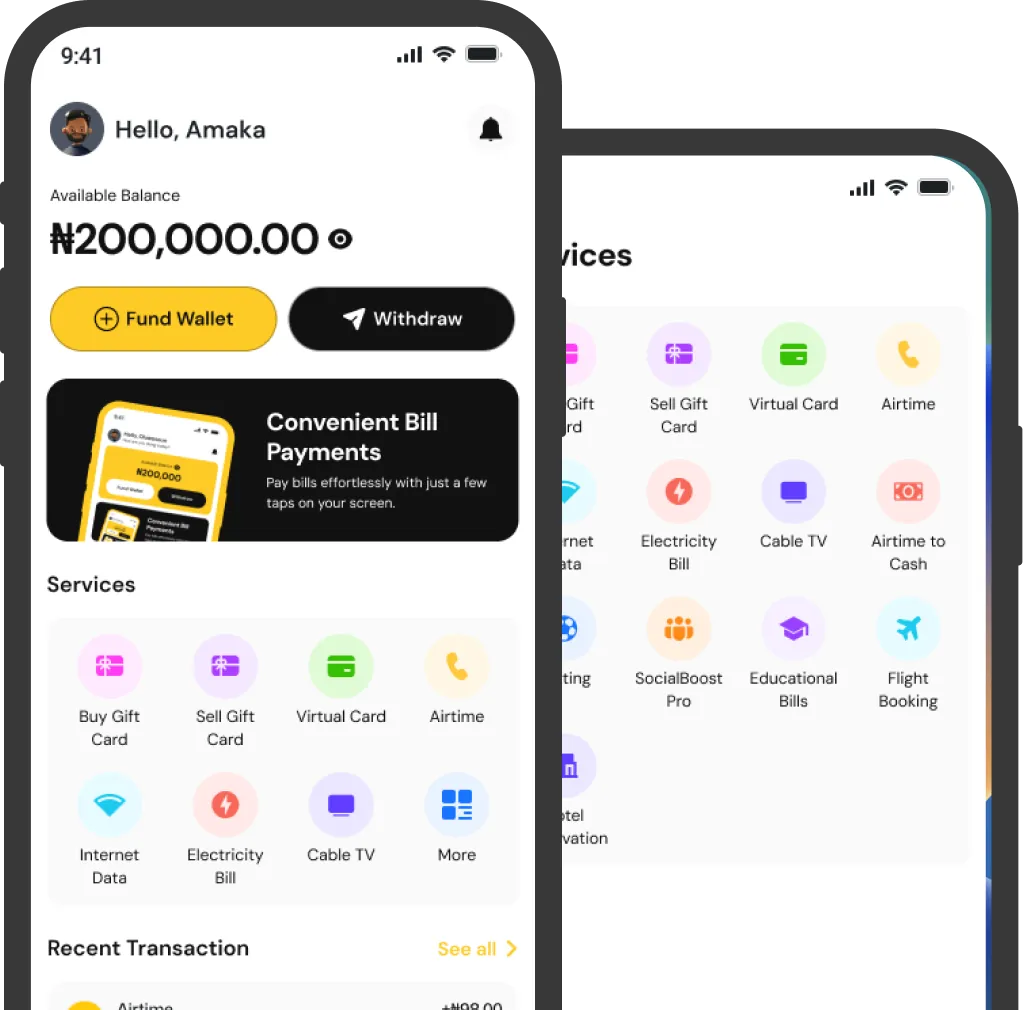
Download The App
Experience the best of Snappypay on your phone or tablet. Available for iOS and Android operating systems.